ThingsBoard Setup
- Setup ThingsBoard, according to the ThingsBoard documentation: https://thingsboard.io/docs/ (opens in a new tab)
- In the Thingsboard dashboard, create a new "device" (under "entities")
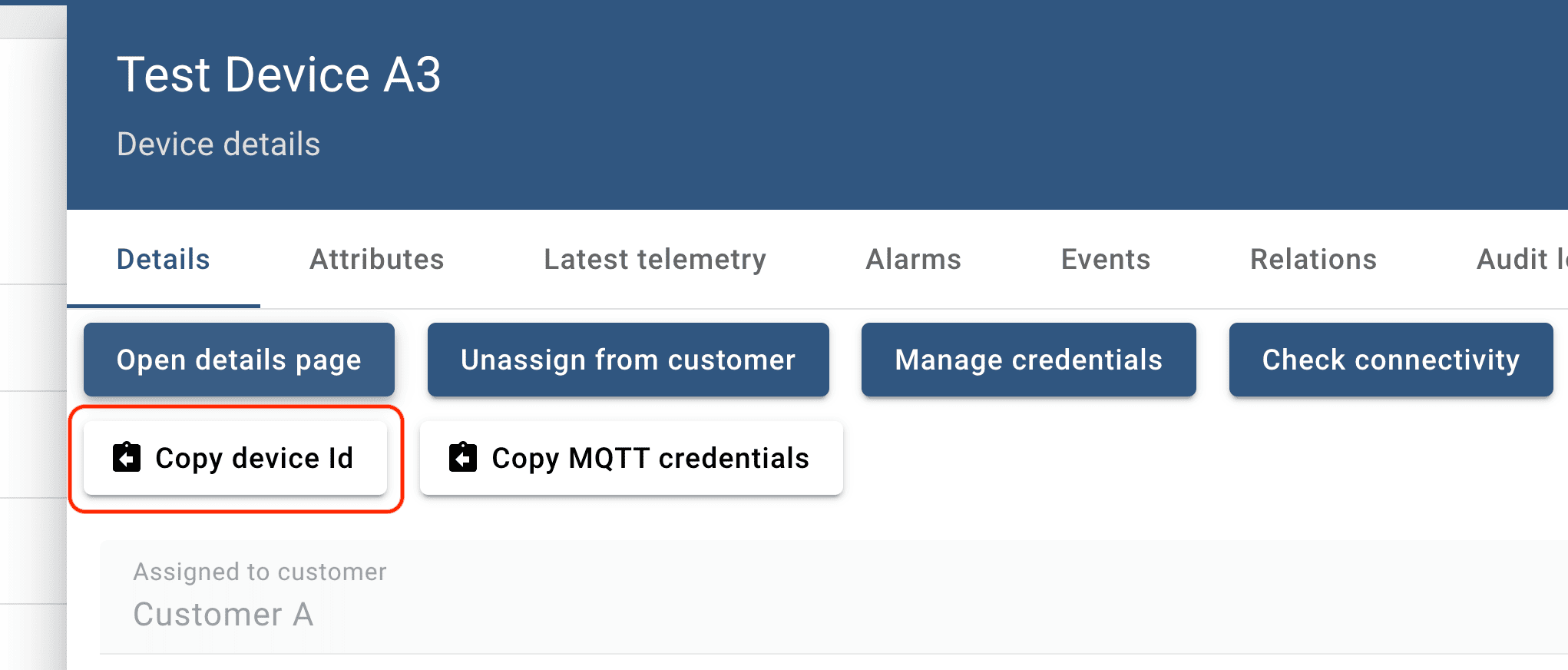
- Use the "device id" generated by Thingsboard in the fields
general.system_identifier:
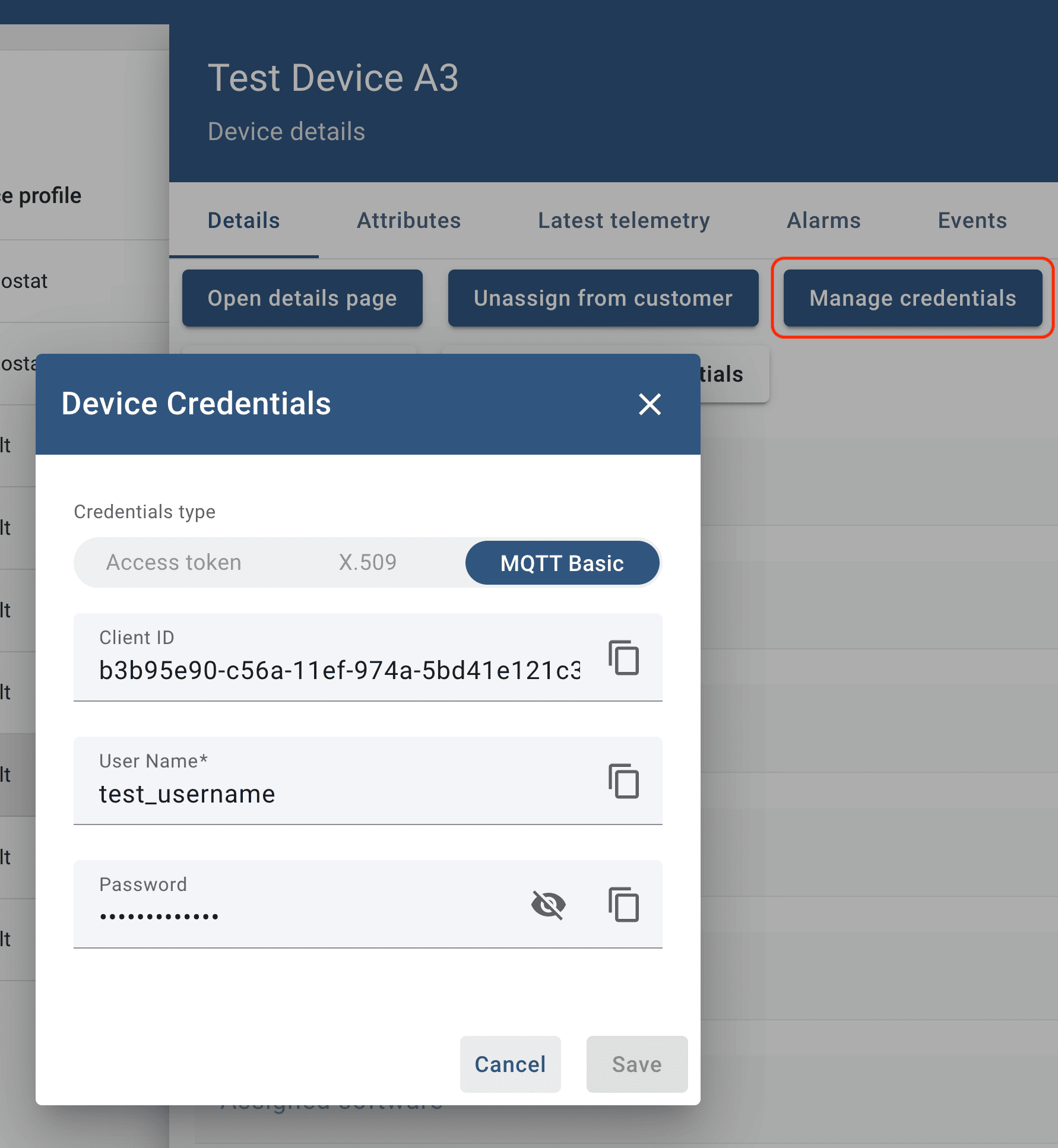
- Set up the MQTT credentials. Username and password can be as you like, the MQTT Client ID has to be the same as the Thingsboard client ID.
-
Use the
config.default.jsonfile to create aconfig.jsonfile on your sensor node. Setgeneral.config_revisionto-1andgeneral.system_identifierto the system identifier you received from Thingsboard.{ "general": { "config_revision": -1, "software_version": "1.1.0", "system_identifier": "ab12cd..." }, "backend": { "provider": "tenta", "mqtt_connection": ... }, } -
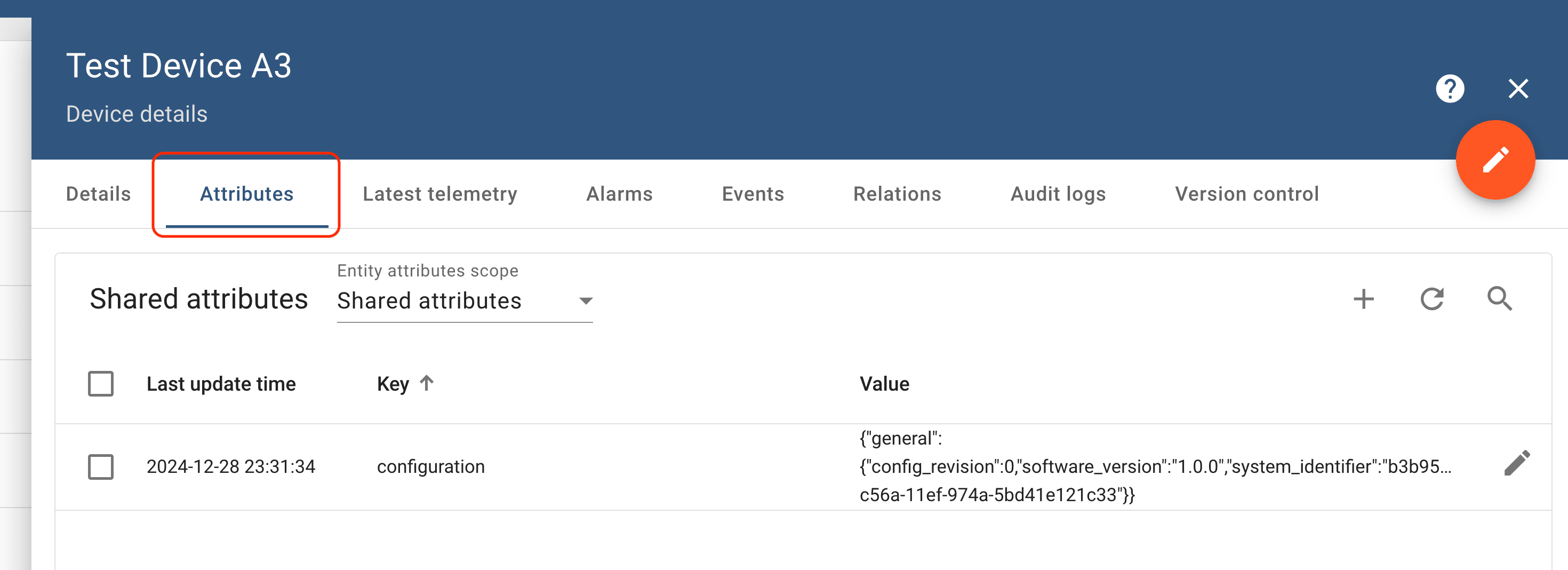
You can publish new configurations with Thingsboard using "shared attributes" using the attribute name "configuration". Here, you have to keep track of the revision number yourself – as opposed to Tenta. Whenever you update the configuration here, the respective client will receive it. It will only update to configurations with a higher revision number.
- The data of the sensor node will be published to the topic
v1/devices/me/telemetryin the JSON format:
{ "ts": 1451649600512, "values": { "key1": "value1", "key2": "value2" } }-
The logs will also be published as telemetry data to the topic
v1/devices/me/telemetryin the JSON format:{ "ts": 1451649600512, "values": { "logging": { "level": "...", "subject": "...", "body": "..." } } } -
The sensor node will send status updates on configuration updates to the topic
v1/devices/me/telemetryin the JSON format:{ "ts": 1451649600512, "values": { "configuration": { "status": "...", "config": "..." } } } -
The data can be visualized using any chart. The logs and config status updates, can be read using the Thingsboard API or visualized using a text table widget: https://thingsboard.io/docs/iot-gateway/guides/how-to-enable-remote-logging/ (opens in a new tab).

In Hermes (opens in a new tab), we solved these initial steps with setup script for each Raspberry Pi that put an initial config with a sensor identifier on the device and published this initial config to Tenta.